AI-Supported ERP for Connected Business Operations
Bring finance, sales, inventory, people, and operations into a connected business system. Zamzam Technologies helps plan and develop ERP solutions around your workflows, with practical AI assistance, useful reporting, and integrations that reduce disconnected processes.
Start with the modules your business needs today and define a path for future expansion. The scope, technology, automation, and deployment approach are agreed around your requirements.
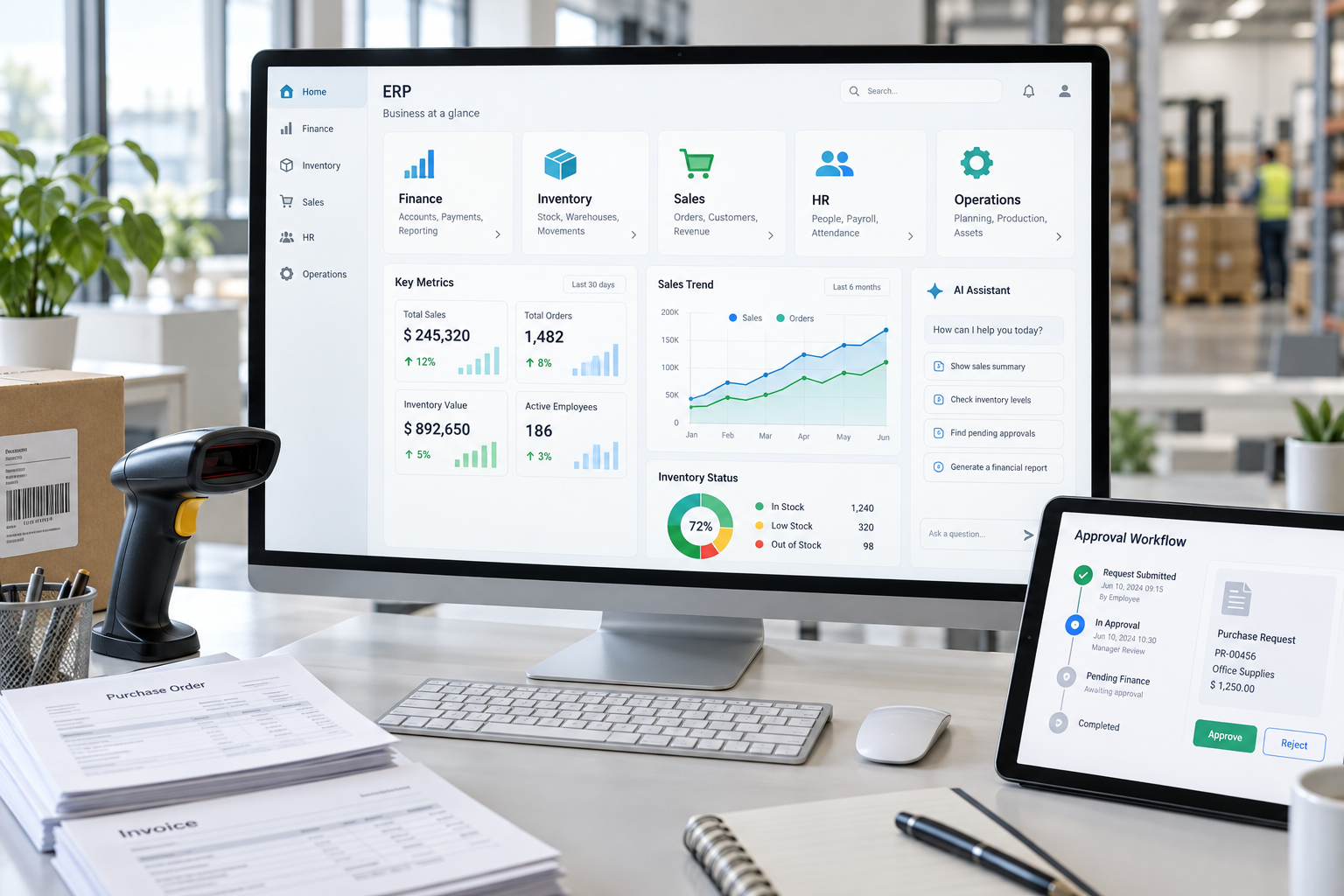
Core ERP Modules
Select and configure modules around your business model. This catalogue describes the capabilities that can be included in a tailored ERP project; final features depend on the agreed scope and integrations.
Finance and Accounting
General ledger, receivables, payables, budgets, cash-flow visibility, and configurable financial reporting.
Sales and CRM
Manage leads, opportunities, quotations, sales orders, customer records, and follow-up activities.
Procurement and Suppliers
Connect purchase requests, approvals, purchase orders, supplier records, and invoice matching.
Inventory and Warehouses
Track stock movements, locations, transfers, reorder levels, batches, and serial numbers where required.
Manufacturing and MRP
Plan bills of materials, production orders, material requirements, capacity, and production costs.
HR and Payroll
Organize employee records, attendance, leave, onboarding, and payroll workflows aligned with local requirements.
Projects and Costing
Coordinate milestones, resources, time entries, expenses, budgets, and project profitability.
Assets and Maintenance
Maintain asset registers, service schedules, work orders, equipment history, and maintenance costs.
Supply Chain and Logistics
Coordinate fulfilment, dispatch, delivery status, returns, and logistics information across operations.
POS and eCommerce
Connect retail sales, online orders, product catalogues, stock availability, and customer information.
Quality Management
Define inspections, quality checks, non-conformance records, and corrective-action workflows.
Customer Service
Track enquiries, support tickets, service requests, assignments, and response workflows.
Documents and Approvals
Centralize business records with document routing, approval rules, version history, and access controls.
Business Intelligence
Bring KPIs, operational dashboards, financial views, and management reports into a shared reporting layer.
Multiple Companies and Branches
Plan business-unit access, branch operations, shared master data, and consolidated reporting.
Roles and Audit Trails
Configure permissions, approval responsibilities, activity logs, and separation of duties.
APIs and Integrations
Connect existing websites, business applications, payment services, and approved external data sources.
Mobile and Field Operations
Support field requests, service updates, approvals, and operational tasks through responsive interfaces.
AI That Supports Your Team’s Decisions
AI works best when it has a defined task, approved information, and a clear review process. These capabilities can be assessed and added where they provide practical value.
Ask Your Business Data
A conversational assistant can help authorized users find records, explain reports, and navigate approved business knowledge.
Document Processing
Extract information from invoices, purchase documents, and forms, with validation and human review before records are posted.
Demand and Cash-Flow Insights
Explore forecasts based on available history, while making assumptions, data gaps, and uncertainty visible to decision-makers.
Exceptions and Anomaly Alerts
Flag unusual transactions, stock movements, or operational patterns for investigation using agreed rules and evaluated models.
Workflow Assistance
Prepare summaries, suggest next steps, and route tasks. Keep approvals and consequential actions under defined user control.
Customer and Employee Support
Provide knowledge assistants for product information, internal policies, service requests, and routine questions.
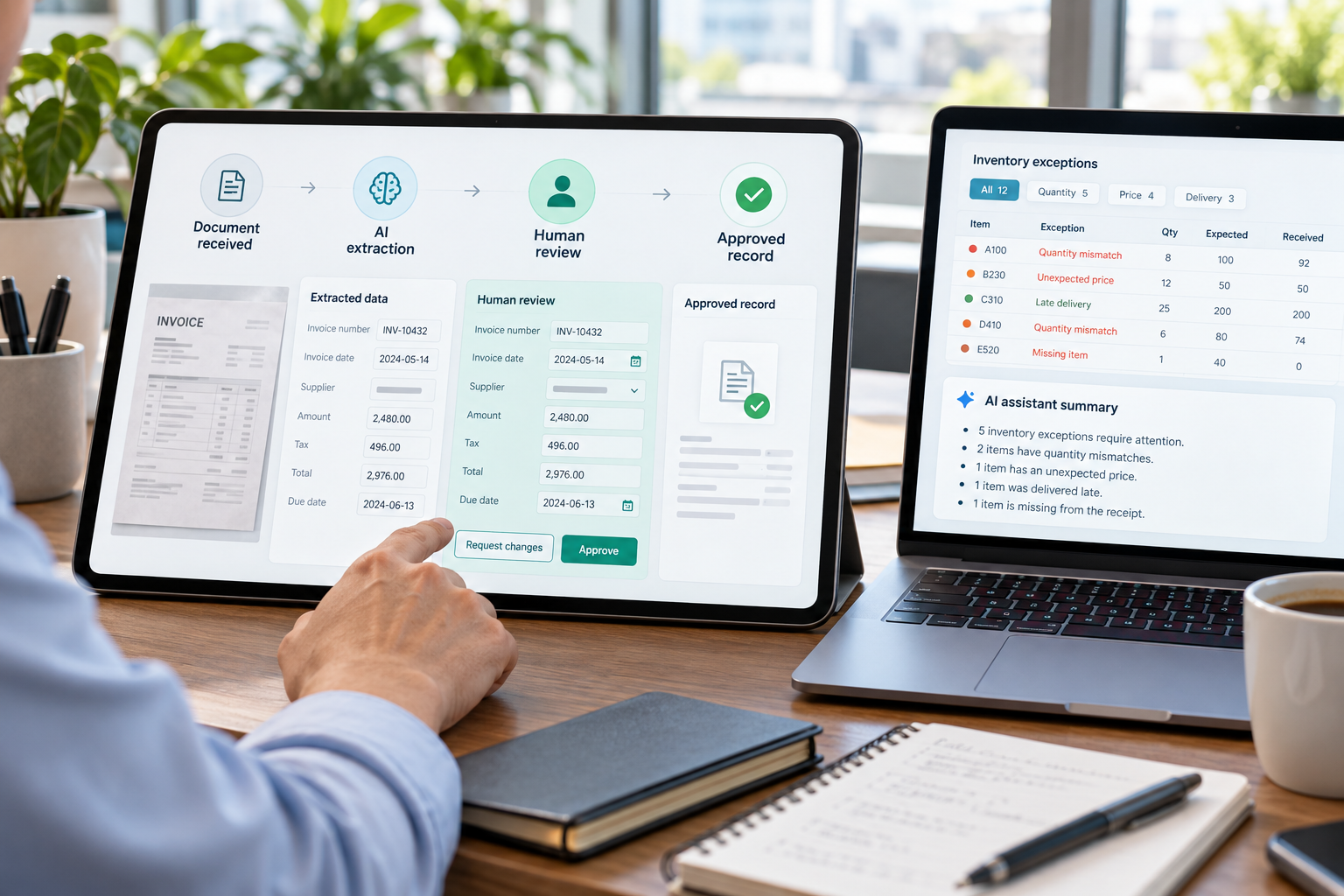
AI outputs should be evaluated against representative business scenarios. Financial posting, payroll changes, payments, and other consequential actions can require explicit human approval. Forecasts and alerts support review and do not guarantee outcomes.
Integration, Security, and Data Ownership
Connect Existing Systems
Plan API integrations, master-data ownership, validation, migration, synchronization, and error handling so the ERP fits your current environment.
Define Access and Approvals
Use role-based permissions, audit logging, approval rules, and appropriate authentication to support accountable access to business information.
Plan Reliable Operations
Agree hosting, backups, recovery procedures, monitoring, updates, and support responsibilities for the selected deployment model.
From Business Workflows to a Working ERP
1. Discover and Prioritize
Map processes, users, data, pain points, and success criteria. Select the first modules and define the implementation scope.
2. Configure and Build
Design workflows, roles, reports, and integrations. Review the solution in manageable stages with your team.
3. Migrate and Validate
Clean and map data, test critical scenarios, review permissions, and confirm acceptance criteria before release.
4. Launch and Improve
Prepare user training and handover, agree support, and prioritize improvements using operational feedback.
ERP Project Questions
Can we start with a few modules?
Yes. A phased scope can begin with high-priority workflows such as inventory, sales, or finance. Dependencies and shared data should be planned before expanding.
Can an ERP connect to our current software?
Integration depends on the systems, available APIs, access permissions, and data quality. An initial review establishes what can be connected and how.
Is AI required for every workflow?
No. Standard rules and automation may be more suitable for predictable tasks. AI capabilities should be selected for a clear use case and evaluated before wider use.
How are pricing and timelines determined?
They depend on module scope, customization, data migration, integrations, deployment, testing, and support. Share your requirements for a project-specific discussion.
Plan an ERP Around Your Business
Tell us your industry, company size, priority modules, existing systems, and main operational challenges. We can discuss a practical starting point and delivery plan.
Start an ERP Conversation